Meet Your New AI Photo Assistant


Motorola’s AI photo tricks that make you look like a pro
Moto AI is like having a photography assistant in your pocket. It takes care of the tricky stuff so you can focus on pointing, shooting, and experimenting. These smart tools can help every shot look polished and professional, even if you’ve never touched a manual camera setting.
Vibrant colours that pop
One of moto AI’s superpowers is making colours richer and more eye-catching. Say you’re photographing a colourful street mural or a bowl of fresh fruit – your phone will automatically enhance the shades without overdoing it, so reds, blues, and greens look vivid but natural. Even subtle details, like the golden glow of a sunset or the frost on a leaf, get a boost, so every photo feels alive and full of depth.
Balanced light in tricky conditions
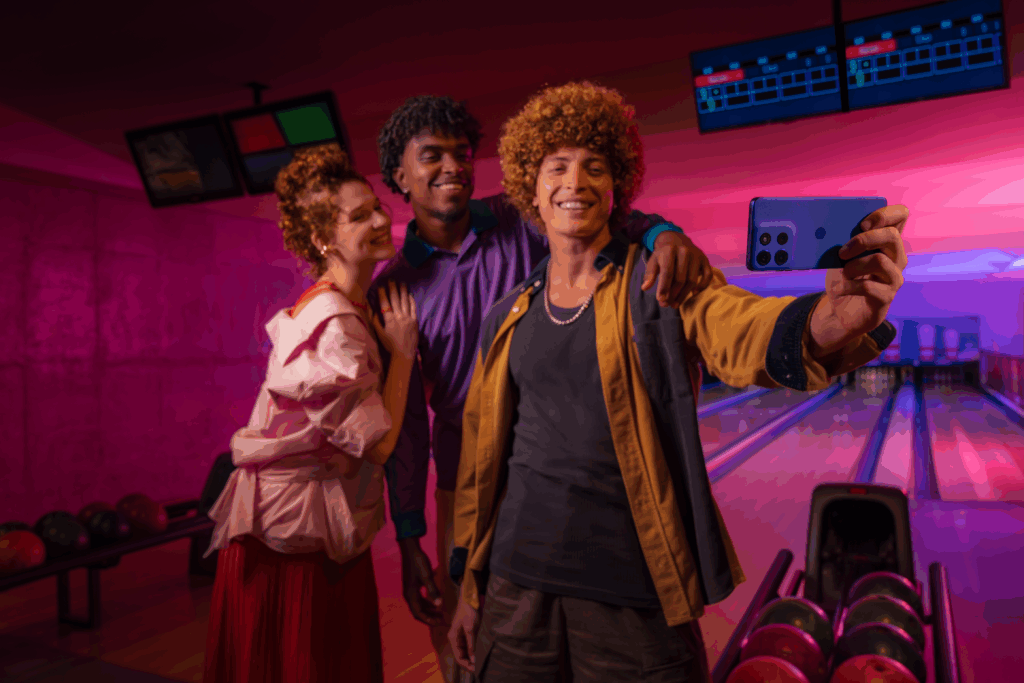
Photographing low-light rooms, backlit scenes, or shadowy streets? That’s no problem for moto AI. It can balance highlights and shadows so you don’t end up with dark silhouettes or blown-out skies. Imagine capturing your dog running through a dimly lit park or a sunset behind your favourite building – the AI can automatically even out the exposure, giving you crisp, natural-looking images without fiddling with sliders or settings.
Action shots that stay sharp
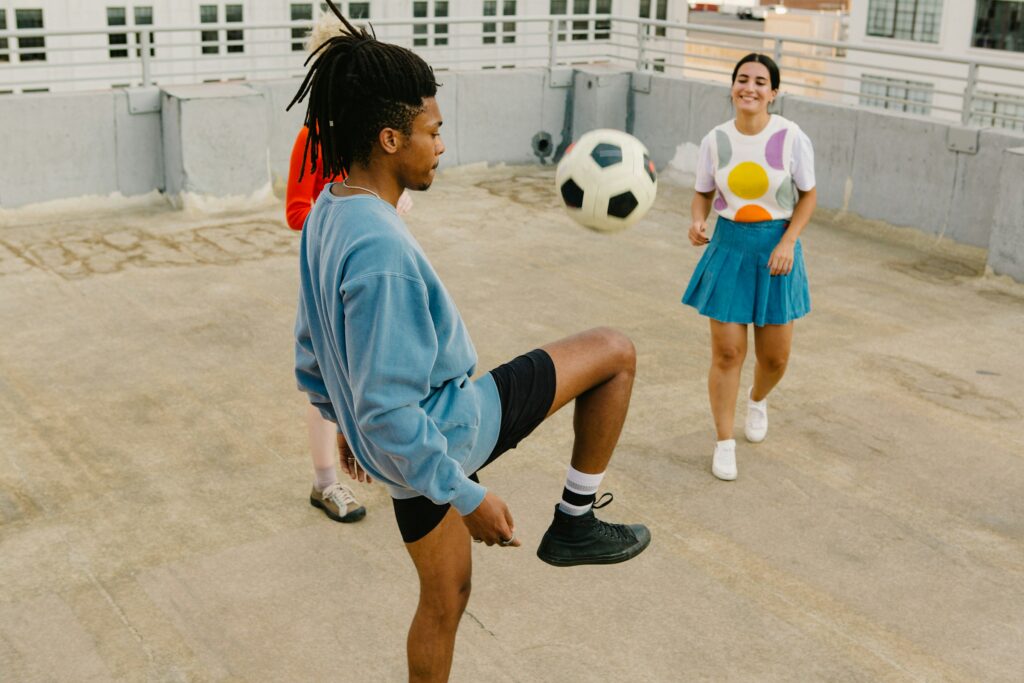
Moving subjects are no match for this AI. Whether it’s kids running through the garden, a pet leaping for a toy, or a skateboarder in mid-trick, the AI can help to keep your main subject sharp whilst subtly softening the background. The result is a professional-looking motion effect that makes the action pop, without requiring a fast shutter speed or photography expertise.
Creative tools to bring your ideas to life
Moto’s generative AI tools can take your creativity even further. Magic Canvas lets you seamlessly expand or edit your photos, by adding or modifying elements in natural-feeling way. Style Sync can transform your images to match a chosen aesthetic, keeping colours, textures, and mood consistent across shots. You can even create custom avatars for social media or games using your own likeness. All of these tools are built to be intuitive, letting you experiment, play, and bring your creative ideas to life.
How to capture the perfect light, even in autumn and winter
Autumn and winter light can be tricky; shorter days, low sun, overcast skies, and long shadows can make even the prettiest spots look a bit flat. But that’s also what makes these seasons perfect for striking shots: the light is soft, the colours are rich, and shadows add drama.
So, this is where your moto AI really gets to shine. It can brighten shadows without blowing out highlights, balance colours so your autumn leaves pop, and keep skin tones looking natural in softer winter light. Even tricky backlit scenes are no problem – the AI is designed to detect the subject and adjust exposure so your photos come out crisp and clear.
Tips for stunning autumn/winter shots
- Catch side lighting to make textures pop – leaves, bark, or snow will all look amazing.
- Use reflections in puddles or frosty surfaces to add depth.
- Keep an eye on the golden hour: roughly the hour after sunrise or before sunset for soft, warm light.
- Let your AI assistant do the heavy lifting and keep manual tweaks optional.
The extra moto AI features that keep you organised
Moto AI isn’t only busy behind the scenes polishing your photos. It also helps keep life running smoothly, acting like a tiny personal assistant you can carry in your pocket. It can summarise all your notifications so you can catch up in seconds instead of scrolling endlessly, record meetings or conversations and turn them into easy-to-read notes, and save anything important, like a screenshot, a recipe, or a date, in a private journal you can pull up whenever you need it. All of this happens quietly in the background, so you can focus on the things you actually enjoy, experiment with your photography, or just have a bit more breathing room while your phone handles the little tasks for you.
Getting started with moto AI
Ready to put all these AI features to work? Accessing moto AI is simple and intuitive. You can launch it directly from the prompt bar at the bottom of your screen, tap the floating AI bubble for quick actions, or use gestures (if your phone supports them) to bring up the interface instantly. Once you’re in, you can start experimenting with photo enhancements, generative tools, or productivity features, all without digging through menus or settings. It’s designed to be quick, seamless, and fun, so you spend more time capturing and creating, and less time figuring out how to get started.
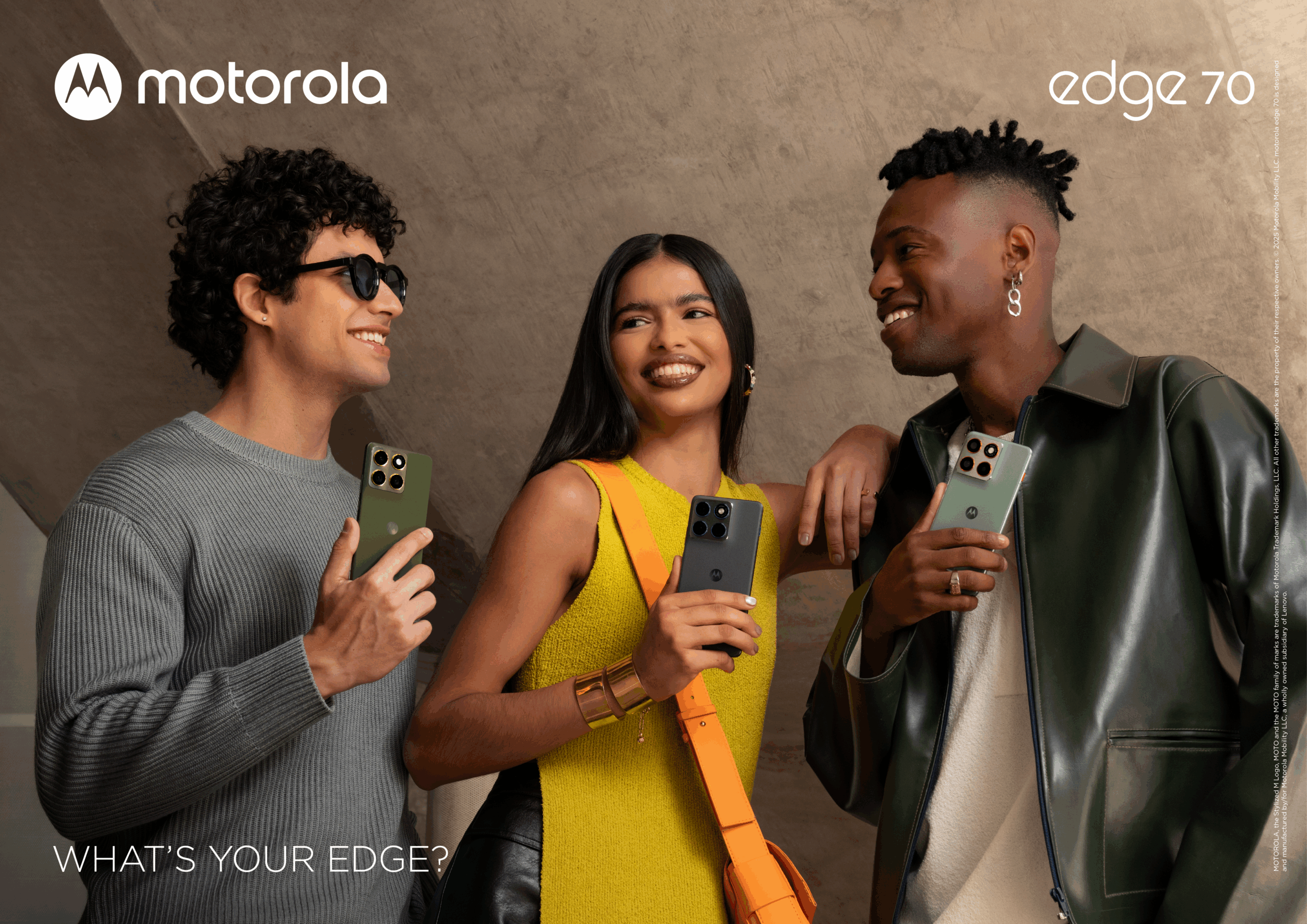
Make every shot count with the motorola edge 70
Now that you know how our moto AI features work their magic, it’s time to put them to the test on the motorola edge 70. Its triple 50 MP camera setup, which includes an ultrawide lens and a macro lens that can focus as close as 3.5 cm, makes it easy to capture everything from sweeping autumn landscapes to frosty winter details up close. In low light, the high-resolution sensors combined with AI processing keep your shots sharp and detailed.
Portrait mode is like carrying a mini studio in your pocket. You can play with six blur levels, Dynamic Bokeh, and three focal lengths to get dreamy backgrounds or punchy close-ups, while the AI keeps subjects looking natural. Even selfies get a boost: the front 50 MP camera with AI ensures everyone shines, no matter how dim the light.
The edge 70’s moto AI can automatically balance colour, exposure, and highlights, so tricky lighting is never a problem. Try golden-hour landscapes, overcast textures, or backlit subjects; the phone will handle the adjustments so you don’t have to. Experiment with different lenses, modes, and lighting conditions, and let the AI do the hard work whilst you focus on capturing creative, share-worthy shots.
Snap it, share it, repeat
Photography should be fun, not stressful. With the Motorola’s photo AI on your side, it’s easier than ever. With our device cameras and smart AI features, it’s easy to go from quick, everyday snaps to images that could steal the spotlight on your feed.
Remember the key tips: use the ultrawide lens for sweeping scenes, the macro for tiny details, and portrait mode for dreamy backgrounds. Let the moto AI’s colour enhancement, intelligent exposure, and blur reduction handle the tricky bits, and turn any moment into something remarkable.
Ready to upgrade your photo game?
If you’ve enjoyed seeing what AI can do, imagine what you could capture with the full power of the motorola edge 70. Its smart AI features, multiple lenses, and intelligent exposure make it easy to capture everything from everyday moments to striking, creative shots.
Pick it up, explore the lenses and modes, and let the AI handle the tricky bits while you focus on creativity. Your next show-stopping shot is just a tap away.