Big Battery, Big Difference – Why Capacity Matters More Than Ever
But with bigger batteries, we get the freedom to use our phones exactly the way we want, without constantly hunting for a charger. In this guide, we’re breaking down why battery capacity matters, how it impacts performance, and what the future holds for powering your devices.

What battery capacity really means for your phone
You can think of your phone’s battery like a water bottle. The bigger the bottle, the more water it holds, and the longer it takes before you need a refill. Battery capacity works in a similar way. It’s measured in milliamp hours (mAh), which is just the technical way of saying “how much energy your phone can store”.
A higher mAh number means your phone can keep powering your apps, music, videos and endless scrolling for longer before you need to plug in again. But here’s the catch: capacity isn’t the whole story. Two phones with the same size battery might last very different amounts of time depending on how efficient the processor is, how bright the screen gets, and how smart the software is at managing power.
So, while a bigger battery gives you more juice to play with, how your phone uses that juice makes all the difference. It’s like the difference between sipping and gulping from that water bottle – the smarter the sip, the longer it lasts.
Why bigger batteries matter today
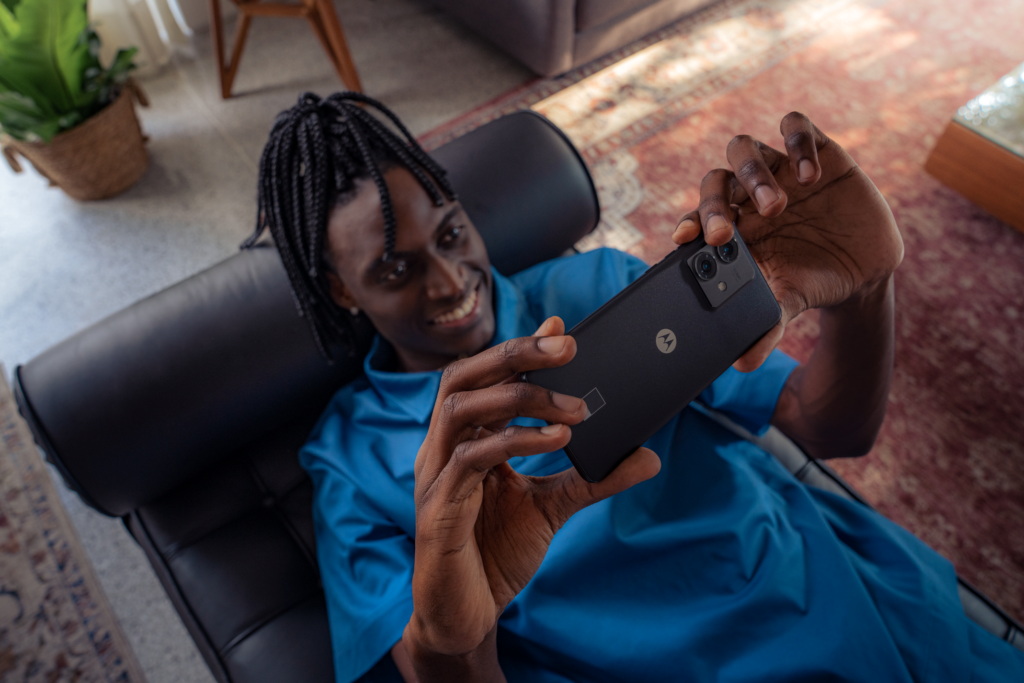
The way we use our phones has changed a lot. They’re no longer just for calls or texts – they’re our cameras, streaming hubs, gaming consoles, sat navs and even our wallets. All of that takes serious power, and it means small batteries can no longer keep up with modern life.
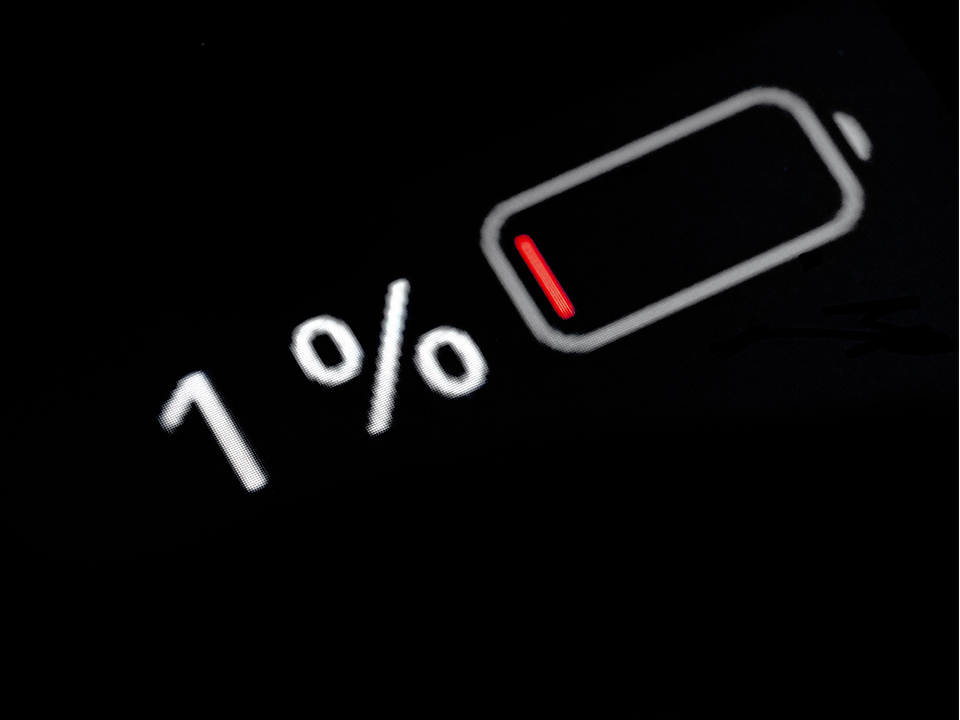
Bigger batteries give you the freedom to do more without worrying about the red bar. Whether it’s back-to-back video calls, binge-watching your favourite series, or using maps to get across town, extra capacity means your phone can handle it without forcing you to hunt for a charger halfway through the day.
For people who are always on the go, connected and creating, bigger batteries are an essential feature. They’re the difference between staying plugged into your world and being cut off when you least expect it.
Balancing size, weight, and performance in your phone
Everyone loves the idea of a giant battery that lasts for days, but no one wants a phone that feels like carrying a brick around. That’s when you need to find the right balance.
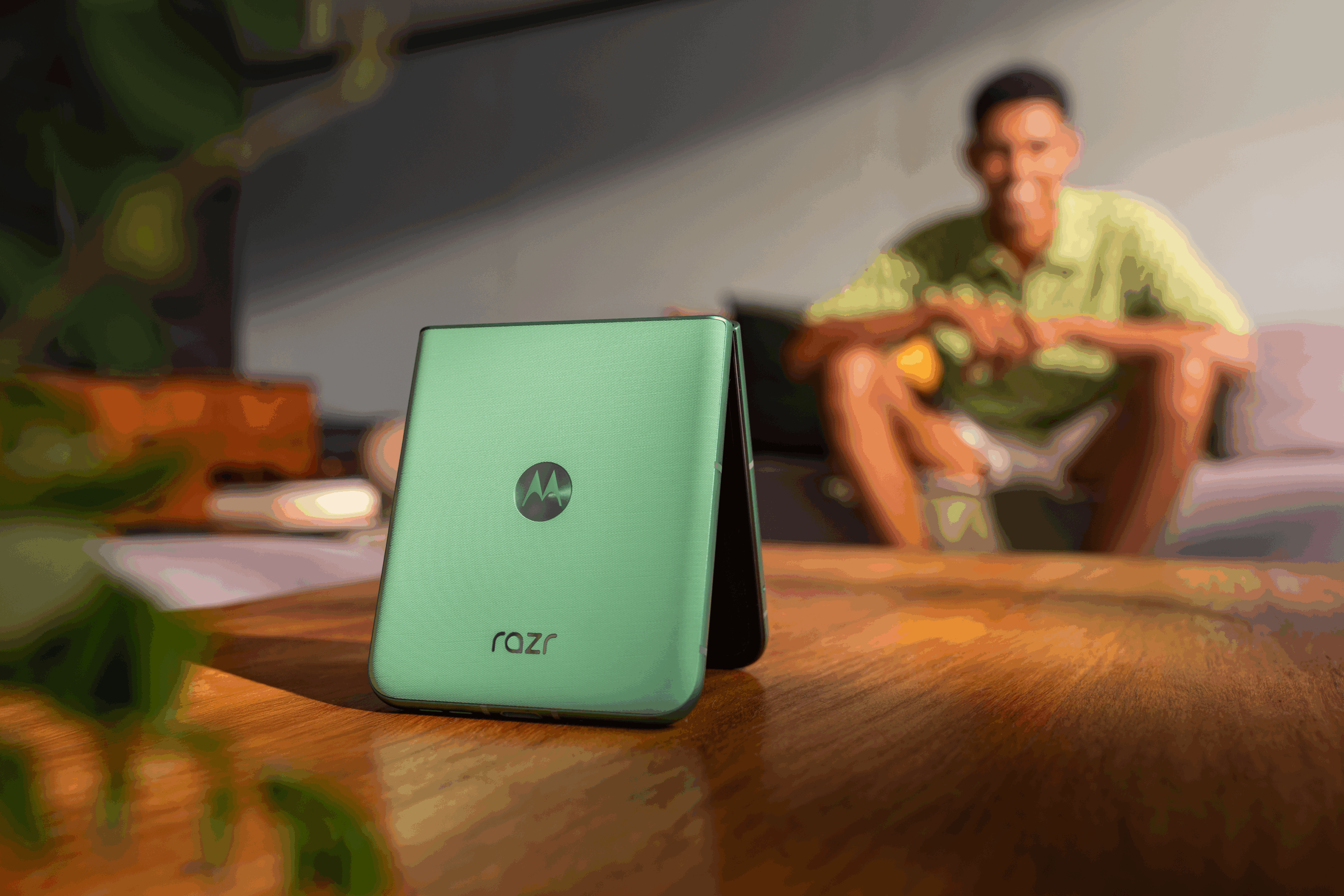
A bigger battery usually means a little extra weight and thickness, so brands have had to get clever. Thinner components, smarter layouts, and lightweight materials all help to keep phones comfortable to hold without sacrificing performance. After all, what’s the point of all-day power if your hand gets tired just texting?
Performance matters too. A well-designed phone has to squeeze in a bigger battery, but also make sure the processor, display, and software work together to use that power efficiently. The goal is a device that feels smooth, lasts longer, and still slips easily into your pocket.
So, what’s the sweet spot? It’s a phone that’s powerful enough for everything you do, light enough to carry everywhere, and efficient enough to keep up with your lifestyle.
Pro tips
- Test phones in your hand before you buy – comfort matters just as much as battery life.
- Check the phone’s specs for power efficiency as well as capacity.
- If you carry a case, consider a slim design so extra weight doesn’t add up.
How software capacity can make battery capacity go further
As well as the hardware, your phone’s brainpower also has a big say in how long your battery lasts.
Modern phones are packed with clever features that quietly work in the background to stretch out your charge. This can include adaptive brightness that dims the screen when you don’t need it bright, or battery optimisation modes that slow down power-hungry apps when you’re running low. Even the way your phone manages notifications can save you precious percentage points.
And the best part is, you don’t have to micromanage any of this. Software updates keep getting better at making your battery last longer without you even noticing. It’s like your phone has its own built-in energy coach, making sure you get the most out of every charge.
Pro tips
- Turn on battery saver mode when you know you’ll be out all day.
- Keep your apps updated – developers often add power-saving improvements.
- Use adaptive brightness so your screen isn’t working harder than it needs to.
The future of smartphone batteries
Smartphone batteries are getting smarter, not just bigger. Capacity is on track to keep improving, but the real excitement is in new technologies designed to charge faster, last longer, and be kinder to the planet. Solid-state batteries, for example, promise higher energy density and safer performance, while advances in fast-charging tech can mean topping up in minutes instead of hours.
Over the next few months, battery tech is set to be a hot topic, especially with Motorola introducing a new power density score. This will make it easier to understand just how much power your phone can hold without adding bulk. Higher density batteries mean you get more energy in a smaller, lighter design, so your phone stays slim and stylish while lasting even longer.
There’s also a growing focus on sustainability. Brands are exploring recyclable materials and eco-friendly production methods, so powering your phone doesn’t come at a heavy cost to the environment.
For users, the future looks bright: longer-lasting batteries that charge quickly, fit sleek designs, and support greener living. In other words, more power, less hassle.
Pro tips
- Keep an eye out for phones with fast-charging support – it’s a game-changer.
- Explore settings that help your battery health, like charging limits.
- If sustainability matters to you, look into brands pushing eco-friendly tech.
Choosing the right battery capacity
Picking the right battery is about finding the balance that fits your lifestyle: enough power to get through your day, without weighing you down or slowing your phone.
Think about how you use your device. Are you constantly gaming, streaming, or capturing every moment on camera? Or do you mainly scroll, message, and check social media? The answers will help you decide what capacity makes sense. Combine that with a phone that manages power smartly, and you’ll spend less time looking for a charger and more time doing what you love.
The takeaway: the right battery keeps you connected, lets your phone perform at its best, and makes everyday life a little simpler. With smarter tech, higher density batteries, and clever software, staying powered up has never been easier.
Battery capacity FAQs
It depends on the phone. Most modern smartphones, including motorola devices, have batteries that are built into the design and aren’t meant to be swapped for a different capacity. Fitting a non-original battery can affect safety, waterproofing, and warranty cover, so it’s not something we’d recommend. If you’re finding your current battery isn’t keeping up, the better move is usually to look at your settings and habits first, or consider upgrading to a newer model with a bigger battery built in from the start.
You can read our blog on how to maximise smartphone battery life for more advice.
There isn’t a single “right” number because it will depend on how you use your phone. If you’re mostly messaging, browsing and checking social media, a battery in the 3,000–5,000mAh range will usually get you through the day comfortably. Heavier users who are gaming, streaming or using the camera a lot will get more benefit from something in the 5,000–6,000mAh range or above. It’s also worth weighing capacity against efficiency: a well-optimised phone with a smaller battery can sometimes outlast a bigger battery in a less efficient device.
This changes fast, as manufacturers keep pushing capacity higher. At the moment, some newer devices are reaching beyond 10,000mAh, well above the 4,000–7,000mAh range most mainstream phones sit in. That said, a bigger number doesn’t automatically mean better battery life. The processor, screen and software all play a big part too, which is why it’s worth looking at real-world battery life estimates rather than the mAh figure alone.
On most Android phones, including motorola devices, you’ll find battery health and usage information under Settings > Battery. This shows you how much charge you have left, which apps are using the most power, and often gives you a breakdown of your battery’s overall health over time. It’s a good place to start if your battery doesn’t seem to be lasting as long as it used to.
Head to your battery settings (Settings > Battery on most Android phones) to see if there’s a battery health or capacity indicator. Some phones will show you a percentage of the battery’s original capacity, so if it’s dropped noticeably from 100%, that’s a sign of natural wear. You can also look out for signs like your phone needing far more frequent charges than it used to, or the battery percentage dropping unusually quickly.
This is usually down to natural battery ageing; most batteries lose some capacity over time and with repeated charge cycles. It can be sped up by things like frequently charging to 100% and letting it drop to 0%, using your phone in very hot or cold conditions, or running lots of background apps and high-brightness screens. Software issues, like a rogue app draining power, can also cause a sudden drop, so you can check your battery usage breakdown if the change feels sharp rather than gradual.
You can read our guide to find out which apps are draining your battery.
You can’t physically increase your battery’s built-in capacity, but you can make it last longer day to day. Turning on adaptive brightness, using battery saver mode when needed, keeping apps updated, and closing down background processes can all stretch out your charge. If you’re after more capacity long-term, the more realistic option is upgrading to a phone with a bigger battery.
mAh stands for milliamp hours, and it’s the unit used to measure how much energy your phone’s battery can store. The higher the mAh, the more energy it holds, and the longer it can go before needing a recharge. This can give your a useful starting point for comparing phones, but it’s not the whole picture – how efficiently a phone uses that energy matters just as much as how much it can store.